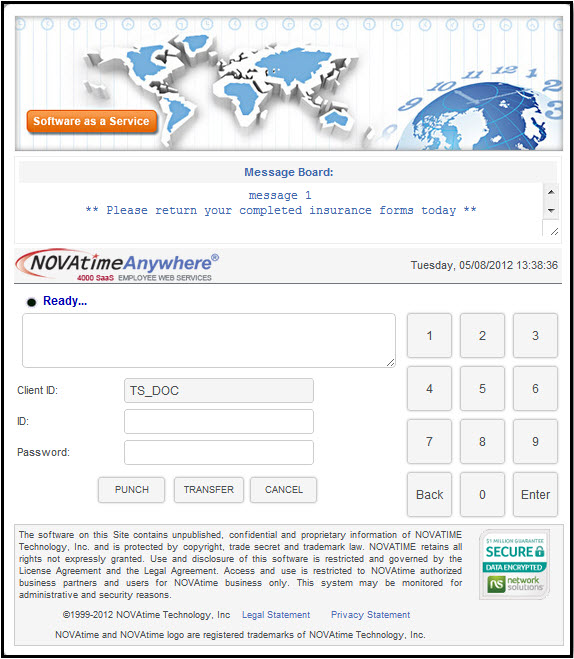
The NOVAtime 4000 system allows for a variety of employee login page options ranging from punching IN/OUT to viewing timesheet and other employee system information (continued below).
The NOVAtime 4000 system allows for a variety of employee login page options ranging from Punching IN/OUT to viewing their own timesheet and other information. AWS controls what the employees can view or do once inside the Employee Web Services menu. There are a variety of EWS screen options available. Shown above is a window used when the employees are only allowed to punch IN/OUT/Group Transfer.
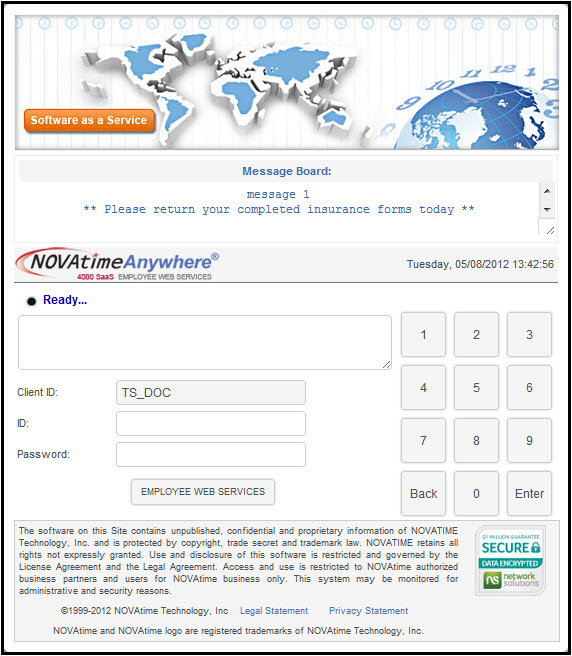
The window shown below allows employees to access and view their timesheet and other information - without the ability to punch or transfer. This is used in cases where time clocks are used, but a PC is being used as an employee kiosk for self-service activities.
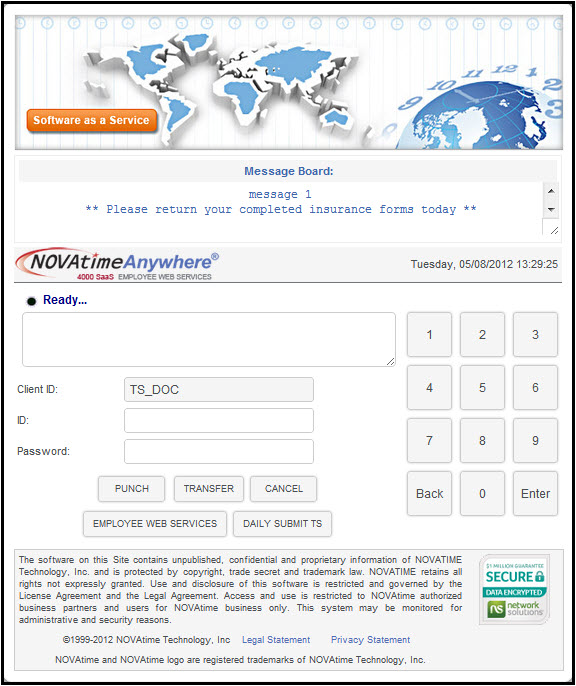
Here's another login window shows the screen used when Punch, Transfer, and Employee Web Service options are needed. This basically combines the capability of above 2 windows.