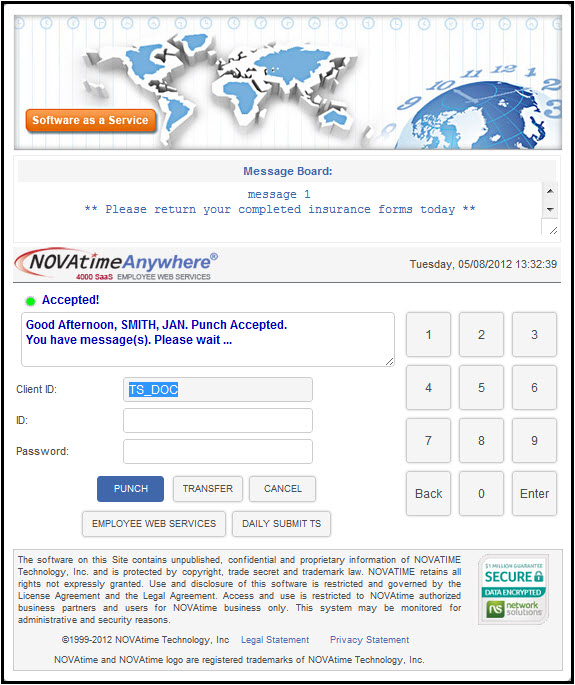
To punch IN or OUT: Enter the ID number (provided by the company) and Password, and then click the Punch button (continued below).
To punch IN or OUT: Enter the ID number (provided by the company) and Password, and then click the Punch button. The system will automatically determine if it is an In-Punch or Out-Punch. This same button is used to punch IN/OUT for breaks and meals.