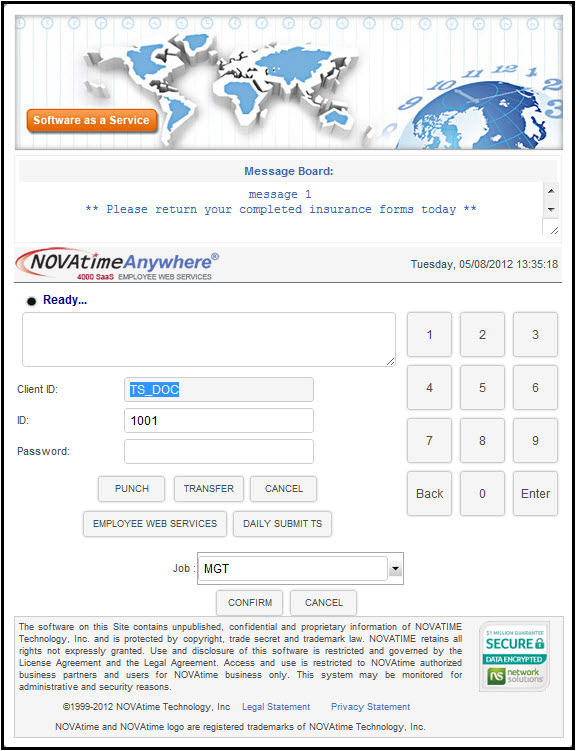
To perform a group transfer (Department, Job, etc...): Enter the ID number (provided by the company) and Password, and then click the Transfer button (continued below)..
To perform a group transfer (Department, Job, etc...): Enter the ID number (provided by the company) and Password, and then click the Transfer button.
To transfer to another Job, etc.. enter your Employee ID number and Password, then click on the “Transfer” button. Next, click on the down-arrow button next to the group item you wish to transfer and select the appropriate record from the dropdown list. Repeat this step for each group item that you need to transfer to, and then click Confirm.