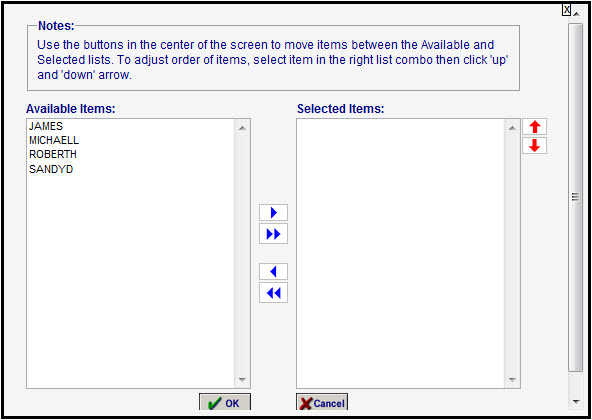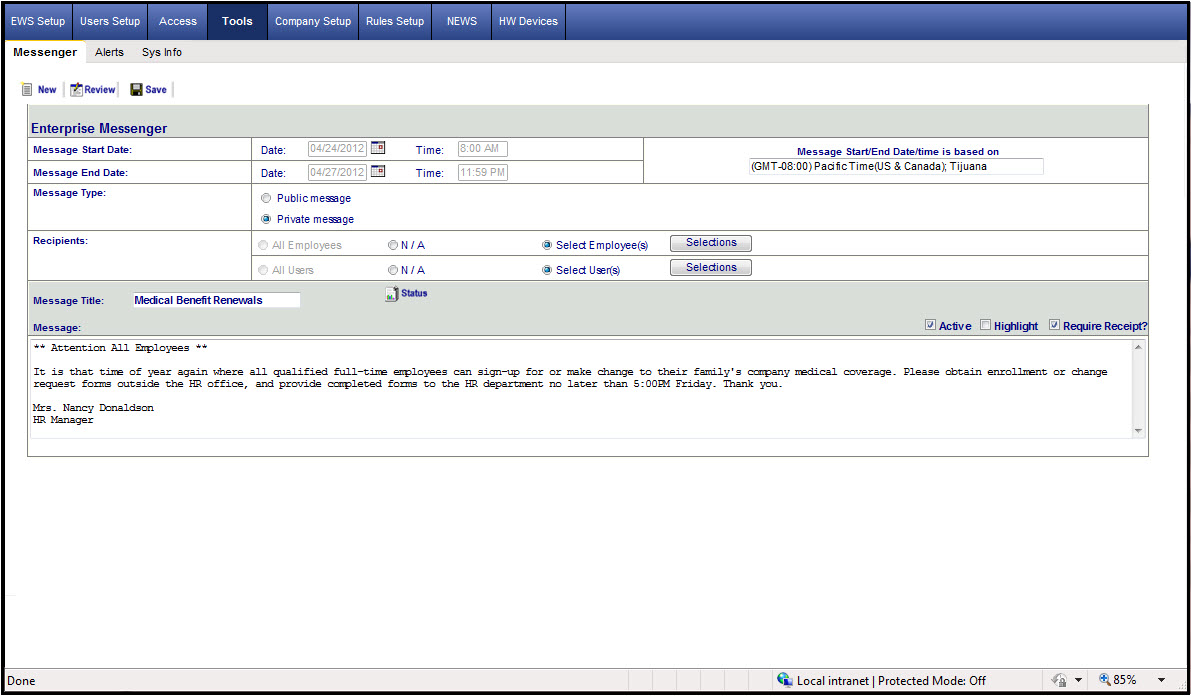
The Messenger page is used to publish public (login pages) and private message (internal web messages) to employees and system users (continued below).
The Messenger page is used to publish public (login pages) and private message (internal web messages) to employees and system users.
Click on New to add a new message and define the following criteria:
Allows you to setup public and private messages.
Public Messages - Messages are sent to
All employees, and/or
All users
Private Messages - Messages are sent to
Selected employees and/or
Selected users
Messages may be:
Highlighted
Marked for "Receipt Required"
Message box pop up screen:
Default opens for 20 seconds
You can change the default open period to stay open until the user closes it in the Web.config for the entire application at the <appSettings> section, <add key="MessageWindowTimeOut" value="00000" />
If the Private Message is clicked, you will be able to choose from employees who are assigned to you, as well as picking a selected list of users. Here's a sample Employee Selection screen:
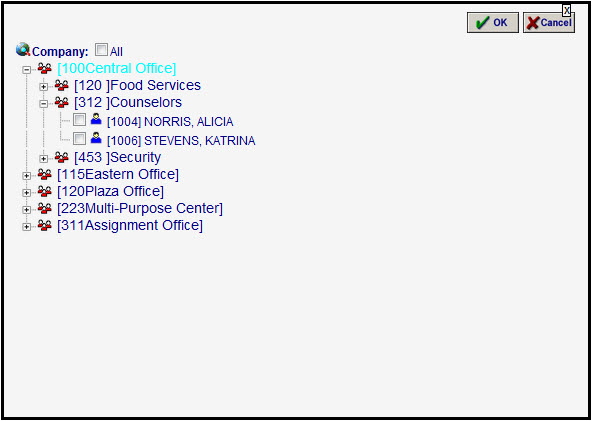
Here's a sample User Selection screen: